01
Phone
4 layoutsPortrait, landscape & multi-frame storyboards.
Drag device frames onto your canvas, arrange your layout, export as PDF, and print. A free open-source drag-and-drop builder for wireframes and sketchpads you can sketch on with a pencil.
Most tools make you fight to get started. The drag-and-drop builder gives you device frames and blank canvases you can fill in seconds — then print and think with a pencil.
Drop device frames, sketchpads and component blocks onto your canvas. Resize, rearrange and annotate — then export as a print-ready PDF at true device proportions.
Switch between portrait and landscape — your layout fits the page perfectly either way.
Add new device frames, sketchpad styles, or component sheets. PRs welcome.
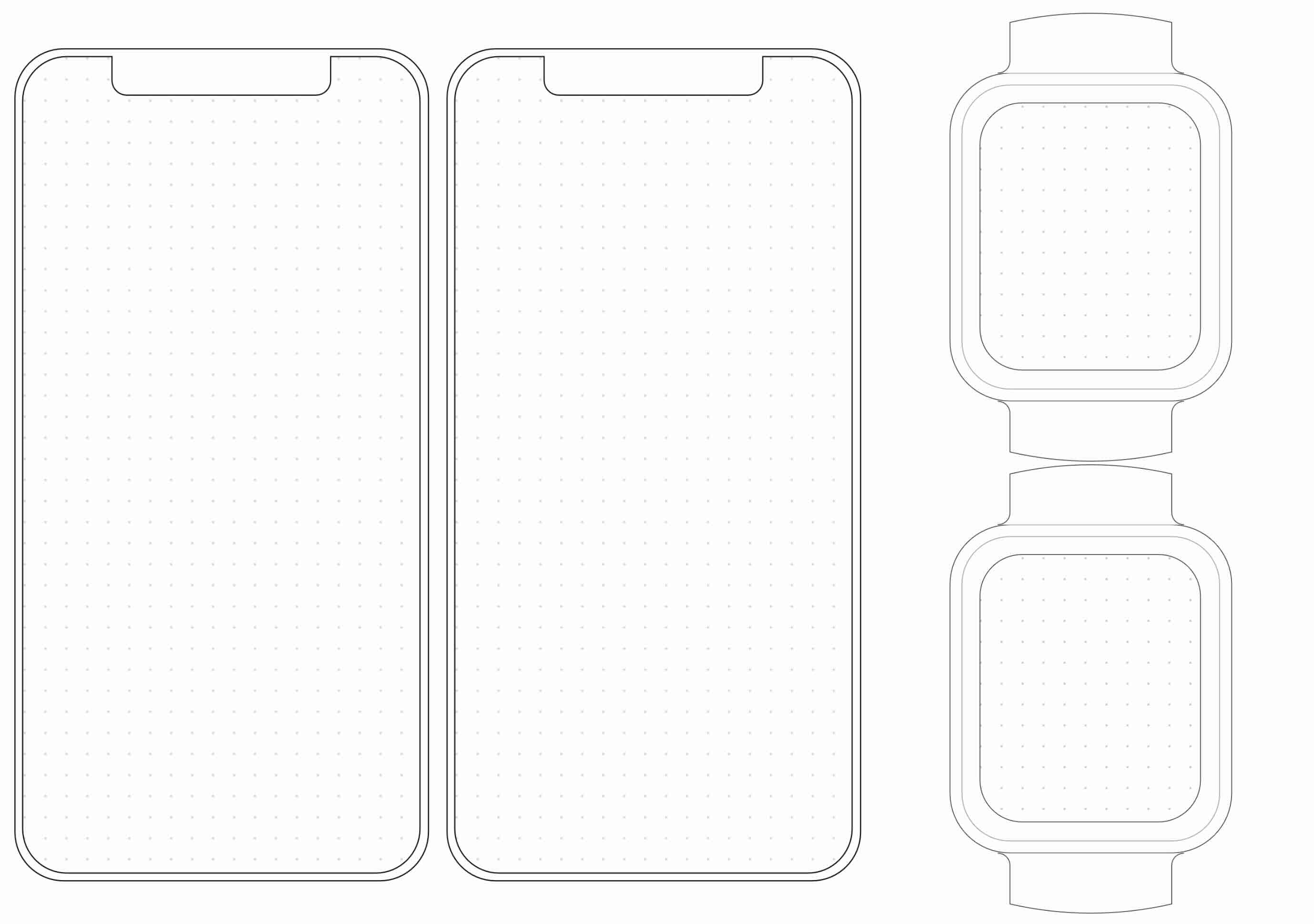
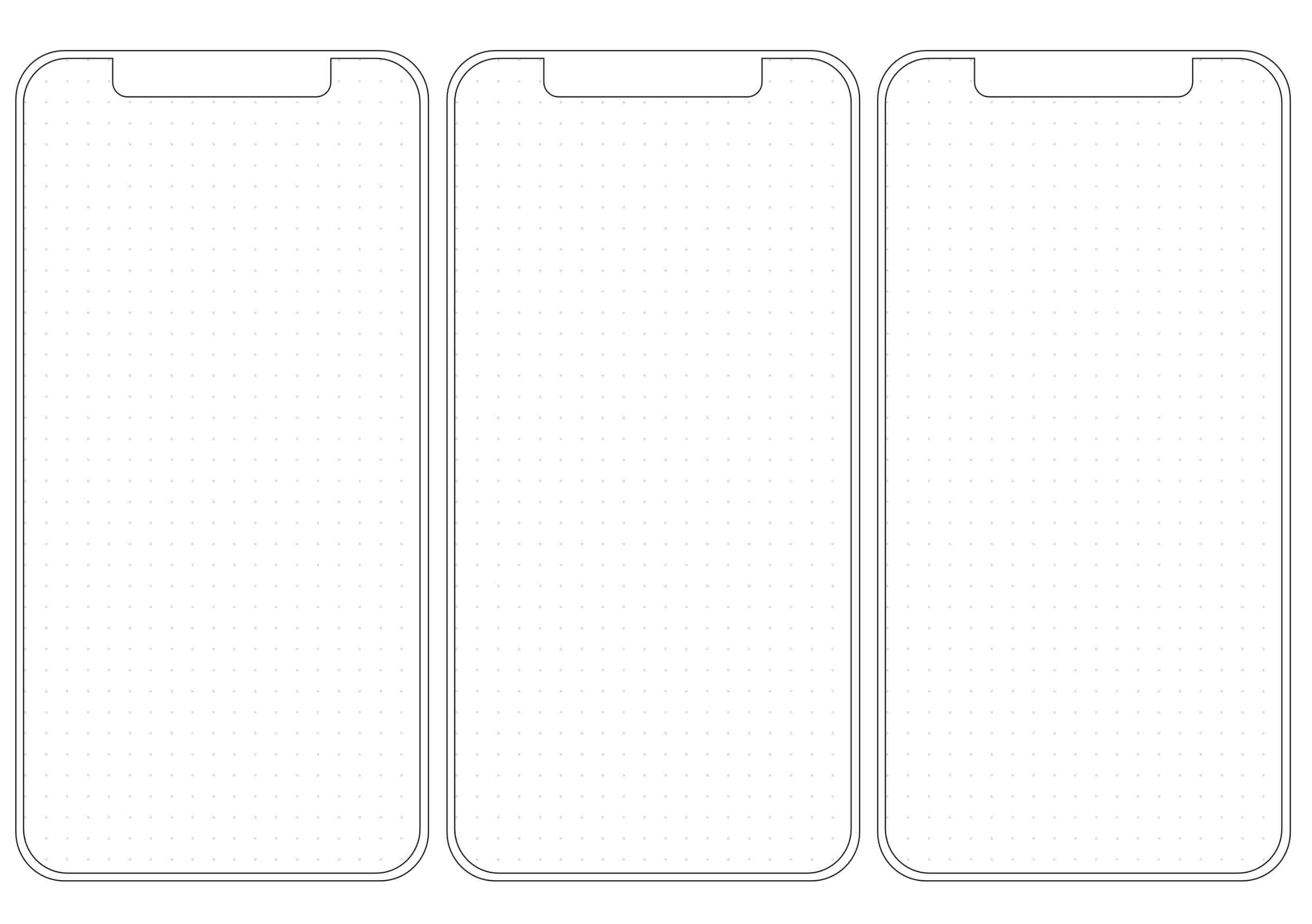
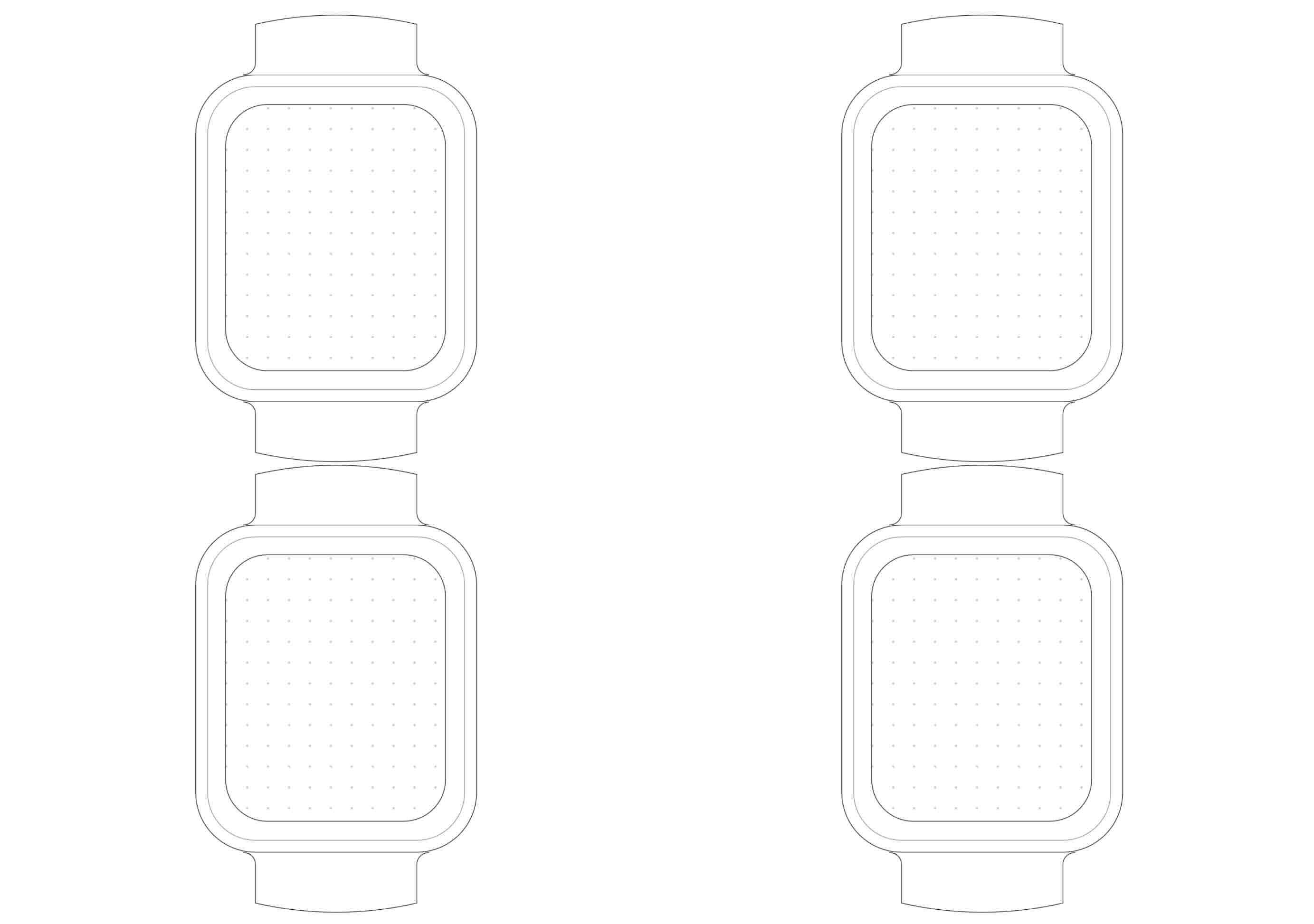
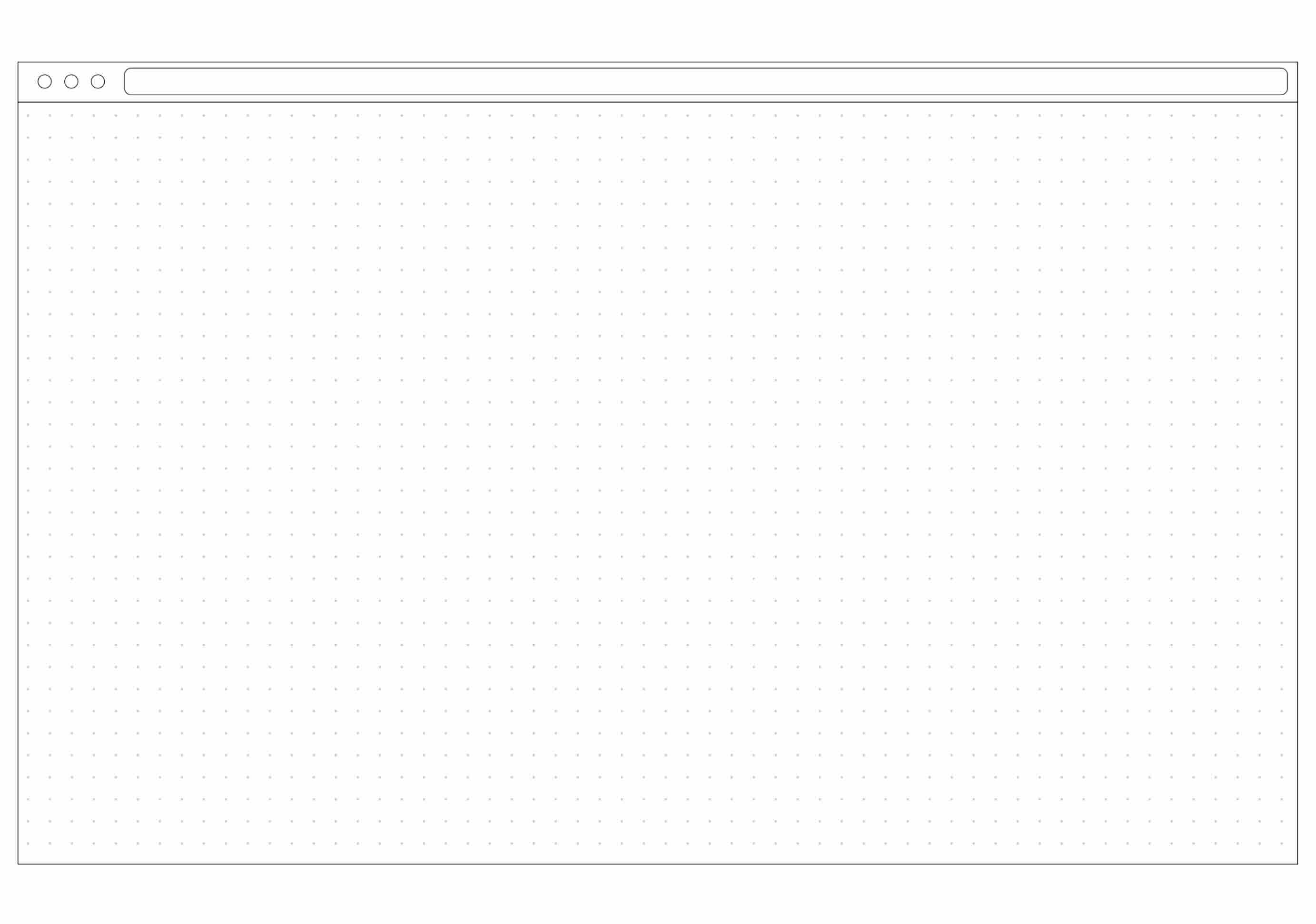
Choose from eight device frames as your starting point — or drag in multiple and build a full flow. Everything is customizable in the builder.
Portrait, landscape & multi-frame storyboards.
Portrait, landscape and split-view variants.
Window chrome, tabs, modals, blank canvas.
Round, rect and complication-grid frames.
Blank canvases at 5mm and 8mm spacing.
From blank canvas to something you can hold in sixty seconds.
No install, no signup. Open the builder in your browser, drag your device frames onto the canvas, and start arranging your layout.
Drop in device frames, component blocks and sketchpads. Annotate, resize, rearrange. Stay rough — that's the point.
Export as PDF, print on A4 or Letter, sketch over it with a pencil. Photograph the best ideas, share with your team. Repeat.
Drag device frames onto the canvas, arrange your layout, and export as a print-ready PDF. No signup required.
Build ten directions in the app before opening Figma. Decide what's worth the pixels.
Walk into a meeting with three printed flows you made in minutes. Walk out with a decision.
Build custom workshop sheets in minutes. Drag in your device frames, print, run the session.
Have students create their own layouts in the builder, then sketch on them. Structure first, pixels later.
Printable Mockups is MIT-licensed and built in the open. Fork the builder, add new device frames or component blocks, or just use the app and get printing. Contributions welcome.
Yes — MIT-licensed, no signup, no email. Open the builder, create your mockup, export and print. Use it for client work, classroom work, agency work, side projects. Attribution is appreciated but not required.
Nothing. The drag-and-drop builder runs entirely in your browser. Open it, build your layout, export as PDF. No account, no download, no setup.
The builder exports to both A4 and US Letter. Margins are calibrated so device frames land at the same physical size on either paper — pick whichever your printer prefers.
Absolutely. The builder's source files live on GitHub. Open a PR with your own device frames, sketchpad styles, or component blocks — the project is built to be extended.
Use Figma. Use both. The builder is for the first ten minutes of a problem — the part where digital tools quietly punish you for being uncertain. Build the layout, print it, think with a pencil. Then switch to Figma.
Open an issue on GitHub or post a photo of your sketched-on printout with #printablemockups. Real-world use is the best bug report we get.
Drag, arrange, export, print. The builder gives you device-accurate frames you can fill in seconds — then take offline with a pencil.